

The Moodboard Leak
Visual Example
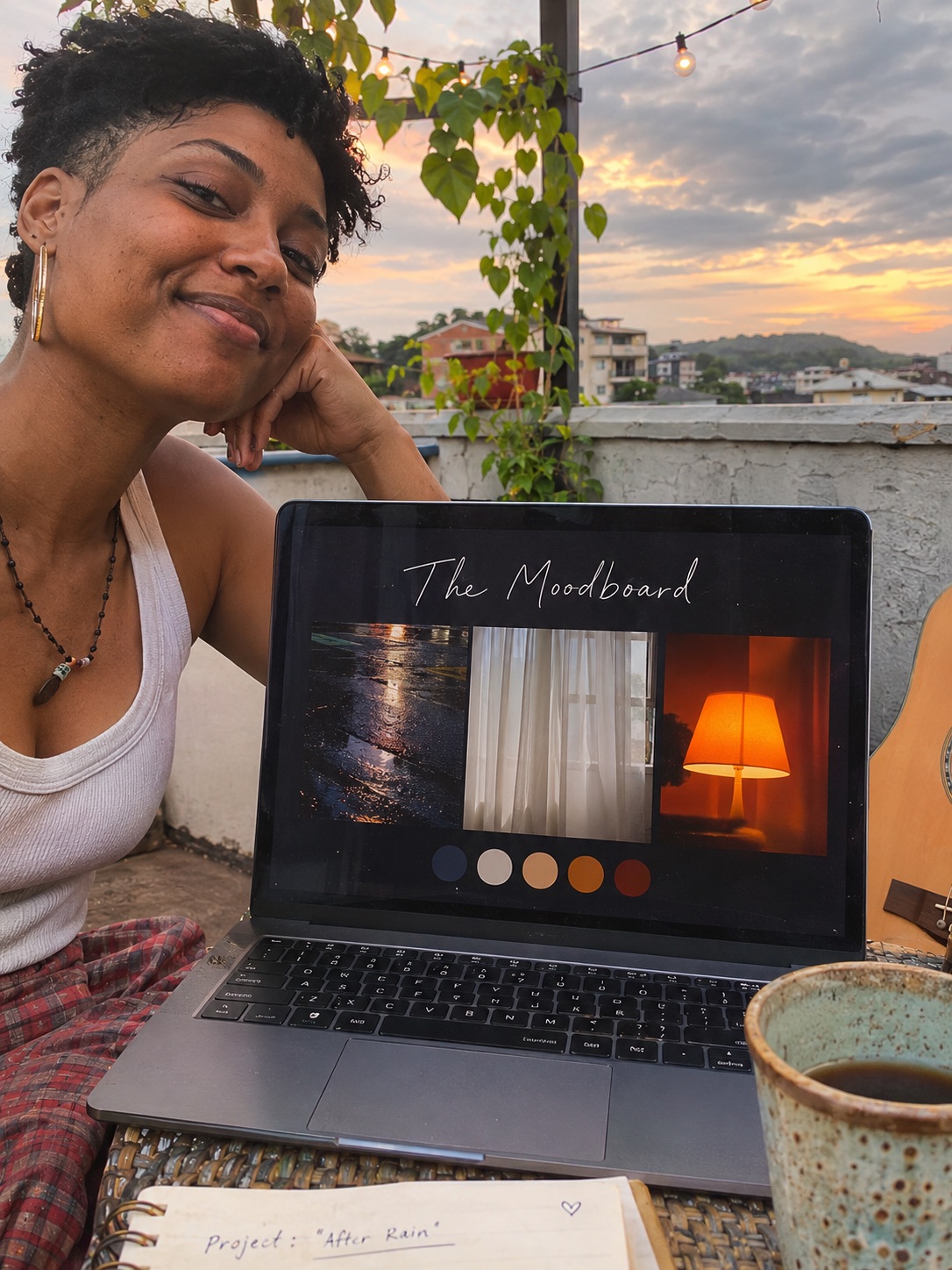
FILL Brief
Take the creative direction, hooks, and step-by-step execution plan with you.
Save to Collections
Choose where to keep this idea. Your collections are saved in this browser.
View my collections →The Idea
Before releasing a new project, share the literal visual moodboard (photos, film stills, color palettes) that inspired it. Sell the *vibe* of the project before asking them to consume the final product.
Why This Works
It acts as a visual filter. People who resonate with the moodboard’s aesthetic will automatically pre-save the music or art because you’ve proven your taste aligns with theirs.
Hook Bank
- Direct
- The visual moodboard for the new era.
- Curiosity
- I stared at these 4 photos every single day while making this album...
- Personality
- This is the world I was collecting before the songs had names.
- Sarcastic
- The project began as a very serious folder of unrelated-looking pictures.
How to Execute
- Plan the opener
Try this opener as a starting point: “The visual moodboard for the new era”. Choose the first image or moment that makes its promise clear.
- Make the first pass
Compile highly aesthetic, curated images. Slide 1: The grid of images. Slide 2-4: Full screen versions. Add a soft CTA in the caption about when the project drops.
- Shape the sequence
Use this order for your first cut: Title Slide → The Moodboard Grid → The Audio Tease (Last Slide). Give each slide one job and swipe through the whole sequence on a phone to check that the payoff follows the opener.
- Check and publish
Use this call to action as your starting point: "If this is your vibe, you’ll want to click the link in my bio." Preview the finished post and verify that any link, tag, or instruction works.
Make It Yours
- Producers: A moodboard of gritty 90s NYC street photography to tease a boom-bap tape.
- Creatives: A moodboard of architectural references for a new 3D design.
- Connect each reference image to one finished detail, such as a lyric color, instrument texture, or video location.