

The "How I Made It" Project File
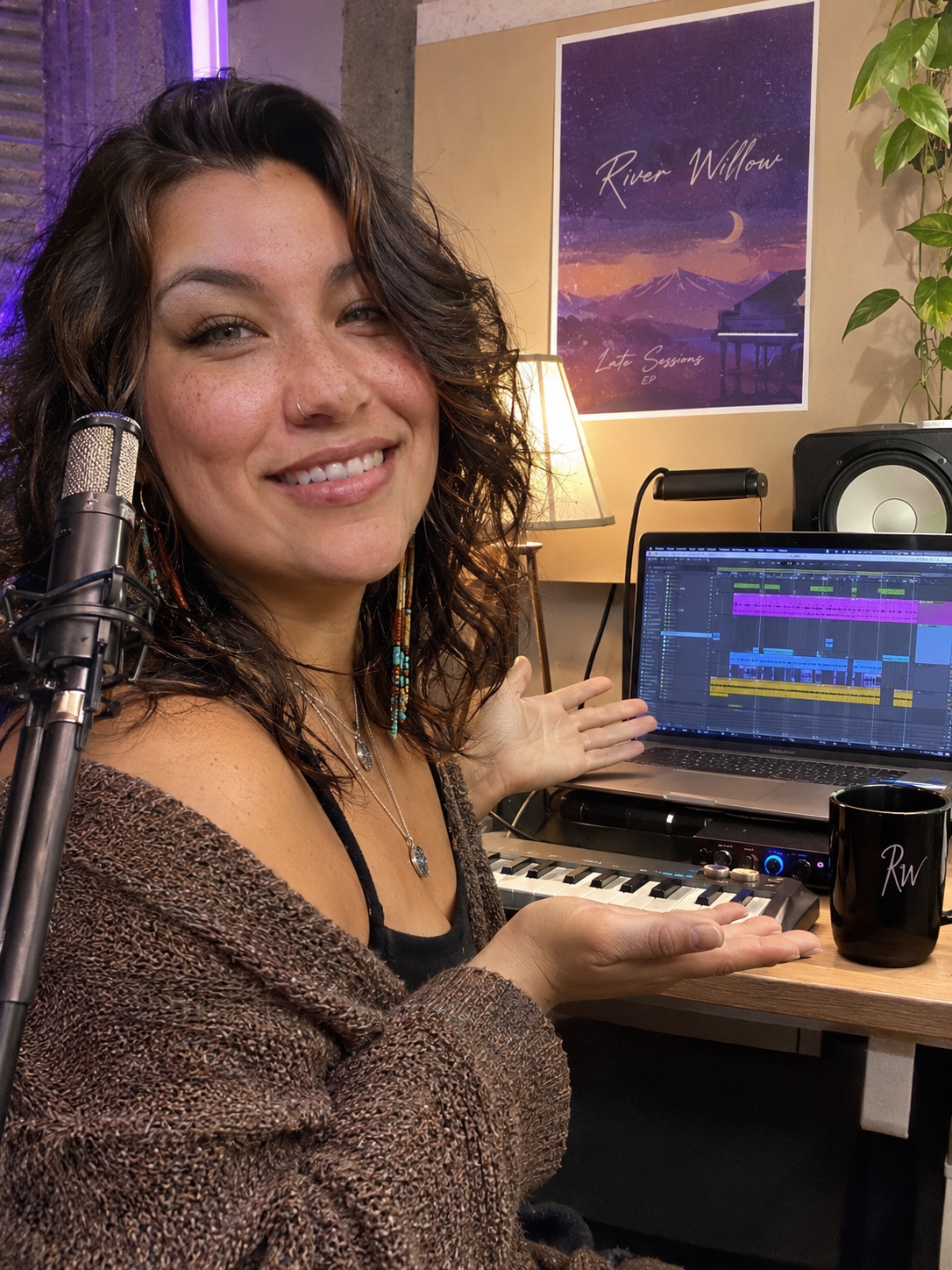
Visual Example
FILL Brief
Take the creative direction, hooks, and step-by-step execution plan with you.
Save to Collections
Choose where to keep this idea. Your collections are saved in this browser.
View my collections →The Idea
Give away the actual, completely unmixed DAW project file (Ableton/FL Studio/Logic) for one of your best beats. Let your audience download it to see exactly how your session is routed.
Why This Works
It is the holy grail for upcoming producers. Seeing a professional's exact routing, bussing, and MIDI data is better than 100 YouTube tutorials. It drives insane saves and shares.
Hook Bank
- Direct
- I am giving away the exact project file for this beat.
- Curiosity
- Want to see how messy my actual session is? Download it below.
- Personality
- This is the actual session, including the parts I usually keep off camera.
- Sarcastic
- An educational tour of my routing decisions and extremely questionable track names.
How to Execute
- Plan the opener
Try this opener as a starting point: “I am giving away the exact project file for this beat”. Choose the first image or moment that makes its promise clear.
- Make the first pass
Ensure there are no uncleared samples. Zip the project file. Post a video showcasing the beat and tell them to comment a word to get the download link.
- Shape the sequence
Use this order for your first cut: Show the Session → Prove the Value → Call to Action. Watch the first cut muted to check that captions and visuals carry the hook, then play it with sound to check levels.
- Check and publish
Use this call to action as your starting point: "Comment 'PROJECT' and I'll send you the download link." Preview the finished post and verify that any link, tag, or instruction works.
Make It Yours
- Creatives: Give away the layered PSD file of a massive graphic design piece.
- Bands: Give away the raw multi-tracks of a live performance.
- Add a short walkthrough showing which three tracks to solo first and how the main buses connect.