

The Secret Preset
Visual Example
FILL Brief
Take the creative direction, hooks, and step-by-step execution plan with you.
Save to Collections
Choose where to keep this idea. Your collections are saved in this browser.
View my collections →The Idea
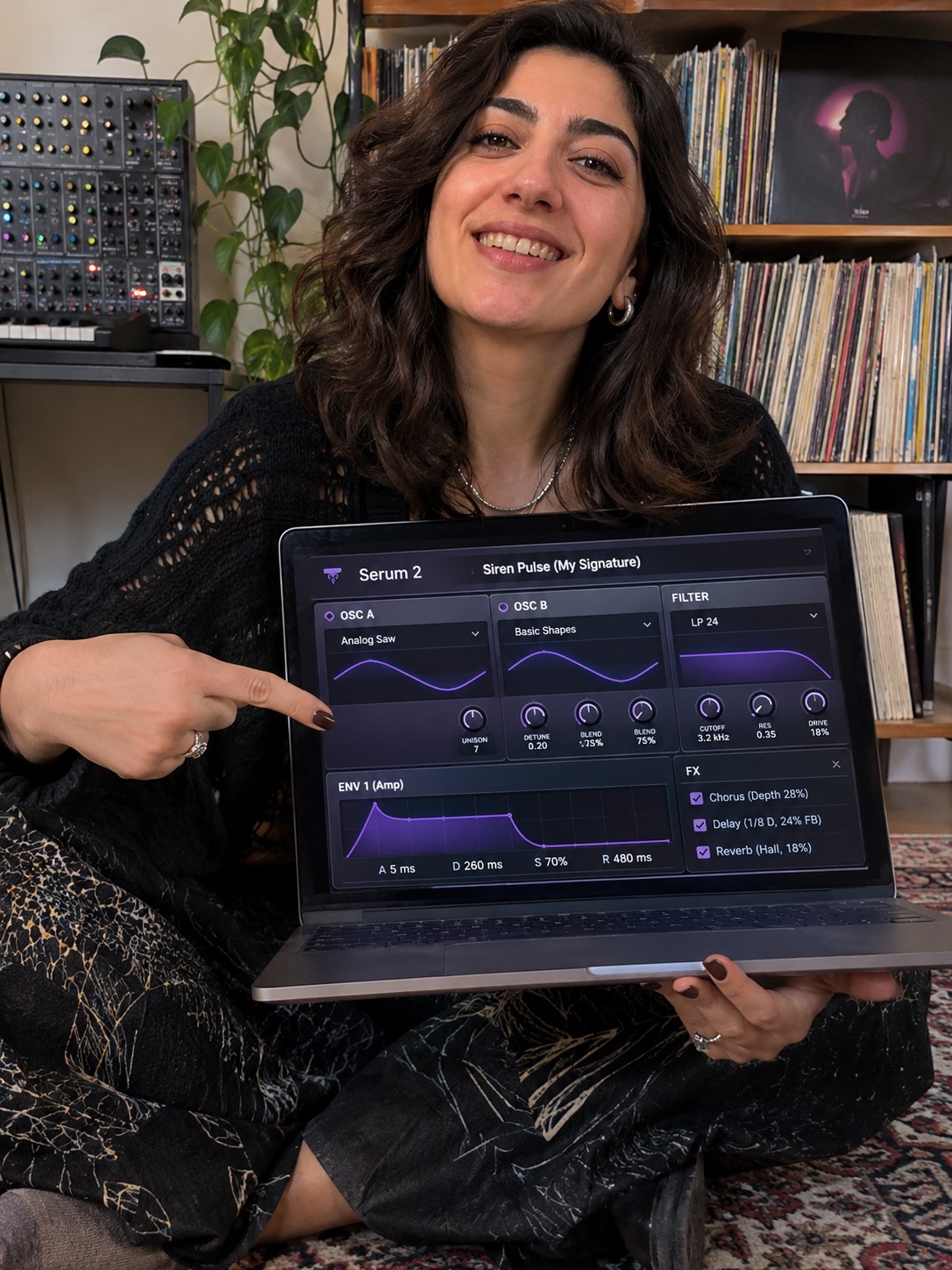
For established creators: Break down the exact parameters of your signature synth patch or vocal chain in a carousel. Give away the actual preset file via a link.
Why This Works
It positions you as a mentor. Giving away the "secret sauce" doesn't hurt your brand; it proves you are confident enough in your raw talent that you don't need to gatekeep your tools.
Hook Bank
- Direct
- The exact vocal preset I use on every single song.
- Curiosity
- Everyone asks how I get this bass sound. Here is the secret...
- Personality
- This is the patch I keep rebuilding every time I open a new session.
- Sarcastic
- The mystery sound is mostly me adjusting the same three knobs.
How to Execute
- Plan the opener
Try this opener as a starting point: “The exact vocal preset I use on every single song”. Choose the first image or moment that makes its promise clear.
- Make the first pass
Slide 1: Audio/video of the sound. Slide 2: Screenshot of the plugin chain. Slide 3: Detailed breakdown of the settings. Ask for an email/comment to send the file.
- Shape the sequence
Use this order for your first cut: The Sound → The Settings → The Explanation → The Giveaway. Give each slide one job and swipe through the whole sequence on a phone to check that the payoff follows the opener.
- Check and publish
Use this call to action as your starting point: "Comment 'PRESET' and I'll DM you the download link." Preview the finished post and verify that any link, tag, or instruction works.
Make It Yours
- Creatives: Give away your custom Lightroom preset for moody concert photos.
- Bands: Share your exact guitar amp EQ settings.
- Offer a stock-plugin version and explain which two settings create the recognizable character.