

Layer by Layer
Visual Example
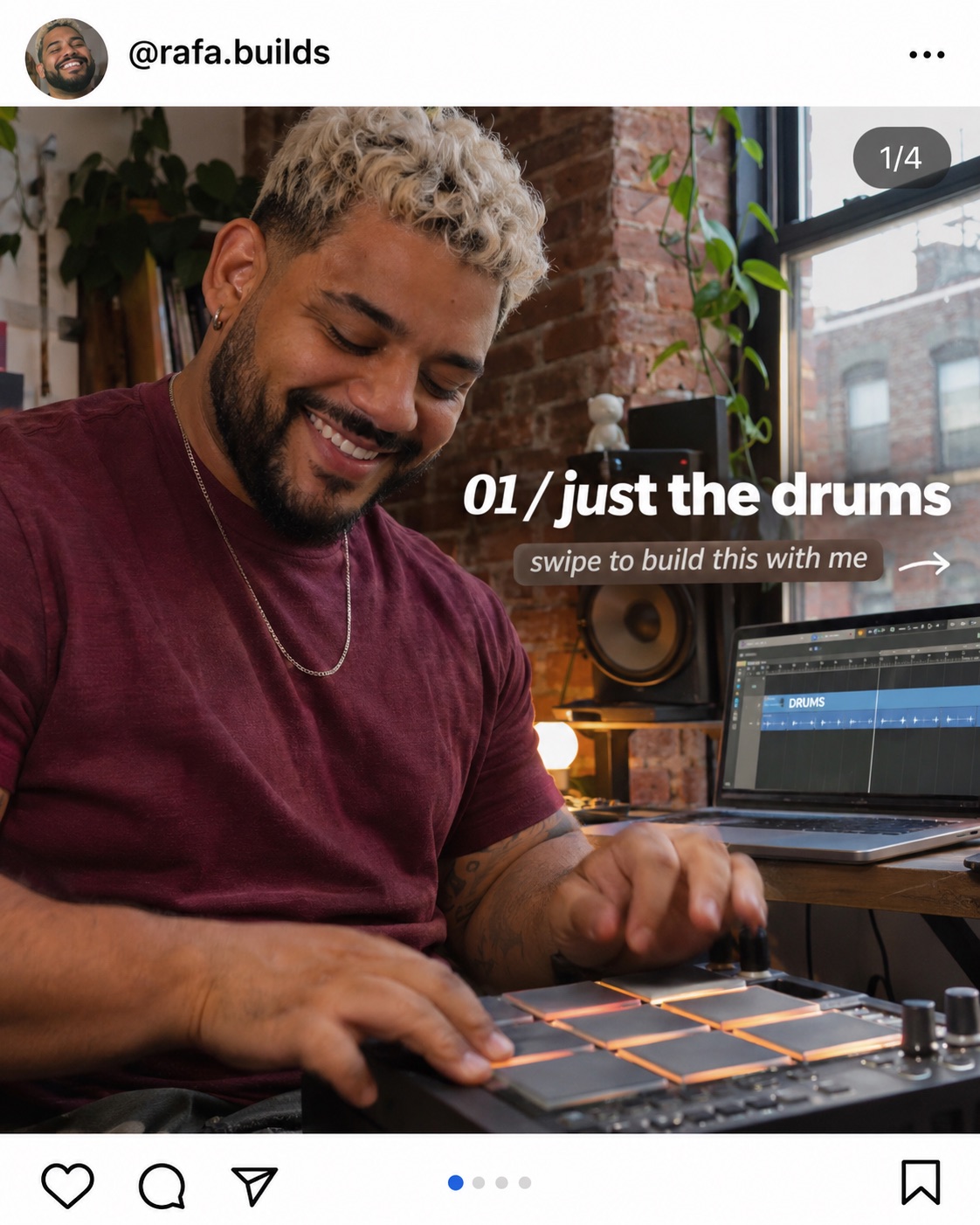
FILL Brief
Take the creative direction, hooks, and step-by-step execution plan with you.
Save to Collections
Choose where to keep this idea. Your collections are saved in this browser.
View my collections →The Idea
Use a multi-slide carousel to let the user swipe to build the song themselves. Slide 1 is just drums. Slide 2 is drums + bass. Slide 3 is drums + bass + chords. Slide 4 is the full mix.
Why This Works
It turns your arrangement into an interactive toy. Forces them to listen to individual elements they normally wouldn't notice.
Hook Bank
- Direct
- Swipe to build the beat layer by layer.
- Curiosity
- This song has 14 different layers. Let’s build it from the ground up.
- Personality
- I am obsessed with how these textures stack together. Swipe to hear it.
- Sarcastic
- For everyone who thinks producers just press one button and the song is done.
How to Execute
- Plan the opener
Try this opener as a starting point: “Swipe to build the beat layer by layer”. Choose the first image or moment that makes its promise clear.
- Make the first pass
Slide 1: Drum break. Slide 2: Drum + synth bass. Slide 3: Shakers and vocal chop join. Slide 4: Final master with music video.
- Shape the sequence
Use this order for your first cut: Element 1 → Element 1+2 → Element 1+2+3 → Full Mix. Give each slide one job and swipe through the whole sequence on a phone to check that the payoff follows the opener.
- Check and publish
Use this call to action as your starting point: "Which layer is your favorite?" Preview the finished post and verify that any link, tag, or instruction works.
Make It Yours
- Build a vocal stack (Lead → Doubles → Harmonies → Choir).
- Build a photo composite (Background → Subject → Lighting).
- Build a drop starting with just the sub.